Capacities vs Notion
Capacities: A note app that organizes ideas as connected objects with types, rather than files and folders. Notion: Cloud workspace of pages and databases for teams, with Markdown import and export.
| Capacities | Notion | |
|---|---|---|
| Price | Free plan, Pro $9.99 per month | Free plan, paid from $10 per member per month |
| Free option | Basic is free forever: unlimited spaces, objects and blocks, sync, offline support, import and export, 5 GB media uploads in total then 100 MB per month | Free plan with limits: 5 MB per file upload, 7 days of page history, up to 10 guests |
| License | Proprietary | Proprietary SaaS |
| Platforms | Mac, Windows, Linux, iOS, Android | Web, Windows, macOS, iOS, Android |
| Notes stored as | Synced to the vendor cloud, hosted in EU data centers, with offline support | Notion cloud, block-based pages (Markdown import and export) |
Choose Capacities if
- you think in people, topics and projects and want typed, linked objects
- you want a free plan with sync and offline access
- you do not need your notes as files on disk
Strengths
- Object types and links let you model people, books, meetings and projects as structured notes
- Free plan keeps sync, offline use and export
- Apps for desktop and mobile, including Linux
- Independent company, the vendor says it has no venture funding
Limits
- Proprietary and stored in the vendor cloud, not as a folder of Markdown files
- AI, tasks, smart queries and the API need a paid plan
- Capacities describes export as standard formats without naming Markdown on its pricing page
Pricing details
- Pro: $9.99 per month (USD), adds AI assistant, task management, smart queries, calendar integration, version history and Public API
- Believer: from $12.49 per month (USD), everything in Pro plus beta access to major new features
- Plus add-on for a larger AI budget: $8.33 per month billed annually
- The pricing page has a yearly billing toggle with a stated 16 percent discount. Prices checked 2026-10-25 and may differ at checkout
Choose Notion if
- you want docs, databases and tasks in one shared workspace
- you your team needs comments, permissions and guests
- you care more about collaboration than owning plain files
Strengths
- Databases, tables and project views alongside documents
- Built for teams: sharing, comments and guests
- Publish a page to the web as a notion.site page
Limits
- Content lives in Notion rather than in files you own; Markdown is an import and export format
- Workspaces with 2 or more members on the free plan have a block limit
- Per-member pricing adds up for larger teams
Pricing details
- Free: $0 per member per month
- Plus: $10 per member per month billed monthly
- Business: $20 per member per month billed monthly
- Enterprise: custom pricing
- The vendor advertises up to 20% off with yearly billing
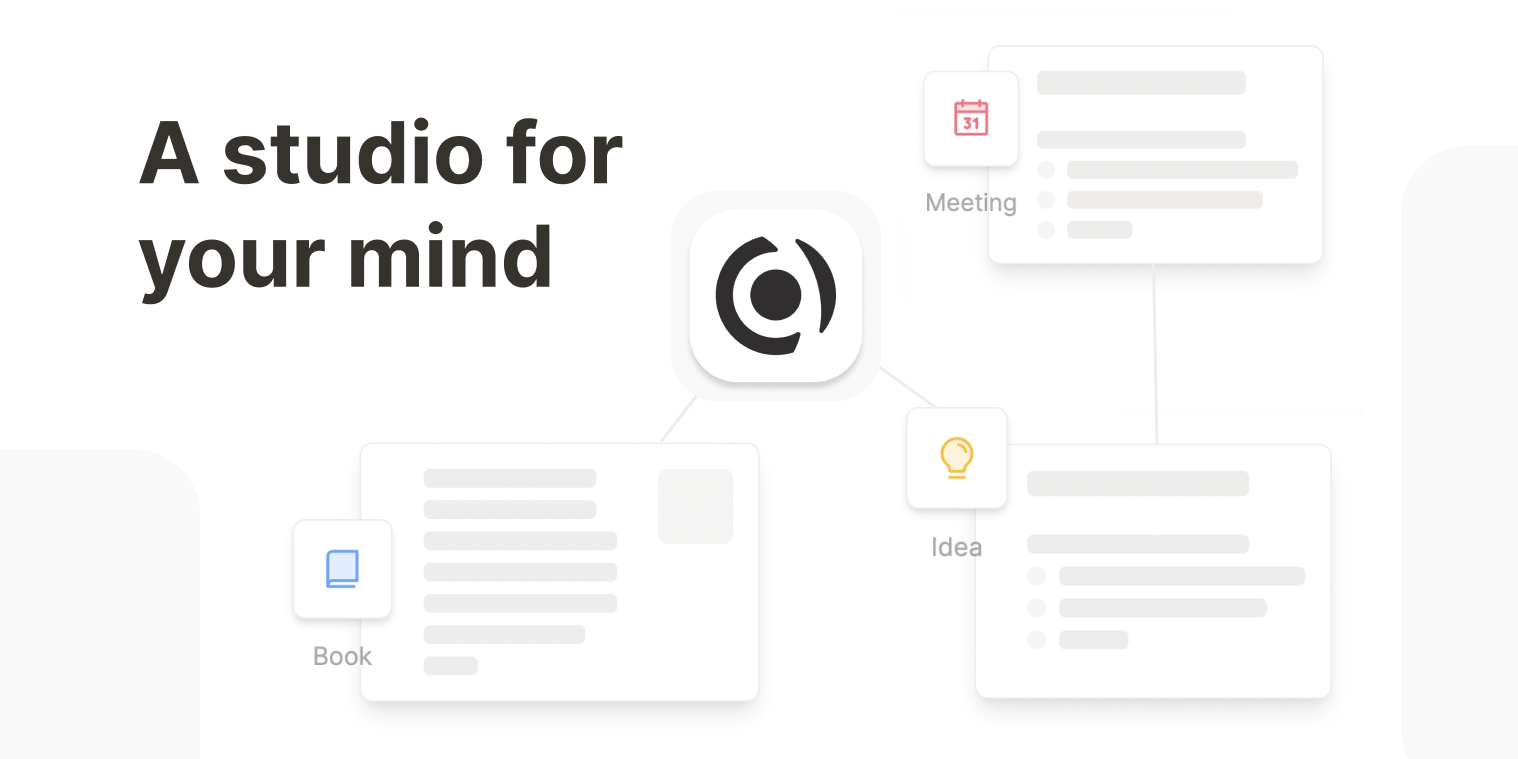
Capacities
A note app that organizes ideas as connected objects with types, rather than files and folders.
Proprietary
- Price: Free plan, Pro $9.99 per month
- Platforms: Mac, Windows, Linux, iOS, Android
- Storage: Synced to the vendor cloud, hosted in EU data centers, with offline support
Notion
Cloud workspace of pages and databases for teams, with Markdown import and export.
Proprietary
- Price: Free plan, paid from $10 per member per month
- Platforms: Web, Windows, macOS, iOS, Android
- Storage: Notion cloud, block-based pages (Markdown import and export)
Details come from each vendor's own website and were checked on 2026-10-25. Confirm current prices on the vendor page.