Google Keep vs Notion
Google Keep: Google's free sticky-note style app for quick notes, lists, photos and reminders. Notion: Cloud workspace of pages and databases for teams, with Markdown import and export.
| Google Keep | Notion | |
|---|---|---|
| Price | Free with a Google account | Free plan, paid from $10 per member per month |
| Free option | Free with a Google account. Keep is also part of Google Workspace for business accounts | Free plan with limits: 5 MB per file upload, 7 days of page history, up to 10 guests |
| License | Proprietary | Proprietary SaaS |
| Platforms | Web, Android, iOS | Web, Windows, macOS, iOS, Android |
| Notes stored as | Google account cloud, synced in real time | Notion cloud, block-based pages (Markdown import and export) |
Choose Google Keep if
- you want fast capture of lists and reminders on your phone
- you already live in Gmail, Docs and Drive
- you share shopping lists or to-dos with other people
Strengths
- Notes, lists, photos, drawings and audio, with reminders
- Real-time sync across phone, computer and watch, and real-time shared editing
- Export a note to Google Docs to turn it into a full document
Limits
- On a computer Keep runs in the browser; Google says offline access is only in the mobile apps
- Google does not describe Markdown support on the Keep pages, and notes are not stored as files
- Built for short notes and lists, with no nested notebooks or linked notes
Pricing details
- Keep has no separate paid plan. It uses the storage of your Google account
- Business users get Keep as part of a Google Workspace subscription
Choose Notion if
- you want docs, databases and tasks in one shared workspace
- you your team needs comments, permissions and guests
- you care more about collaboration than owning plain files
Strengths
- Databases, tables and project views alongside documents
- Built for teams: sharing, comments and guests
- Publish a page to the web as a notion.site page
Limits
- Content lives in Notion rather than in files you own; Markdown is an import and export format
- Workspaces with 2 or more members on the free plan have a block limit
- Per-member pricing adds up for larger teams
Pricing details
- Free: $0 per member per month
- Plus: $10 per member per month billed monthly
- Business: $20 per member per month billed monthly
- Enterprise: custom pricing
- The vendor advertises up to 20% off with yearly billing

Google Keep
Google's free sticky-note style app for quick notes, lists, photos and reminders.
Proprietary
- Price: Free with a Google account
- Platforms: Web, Android, iOS
- Storage: Google account cloud, synced in real time
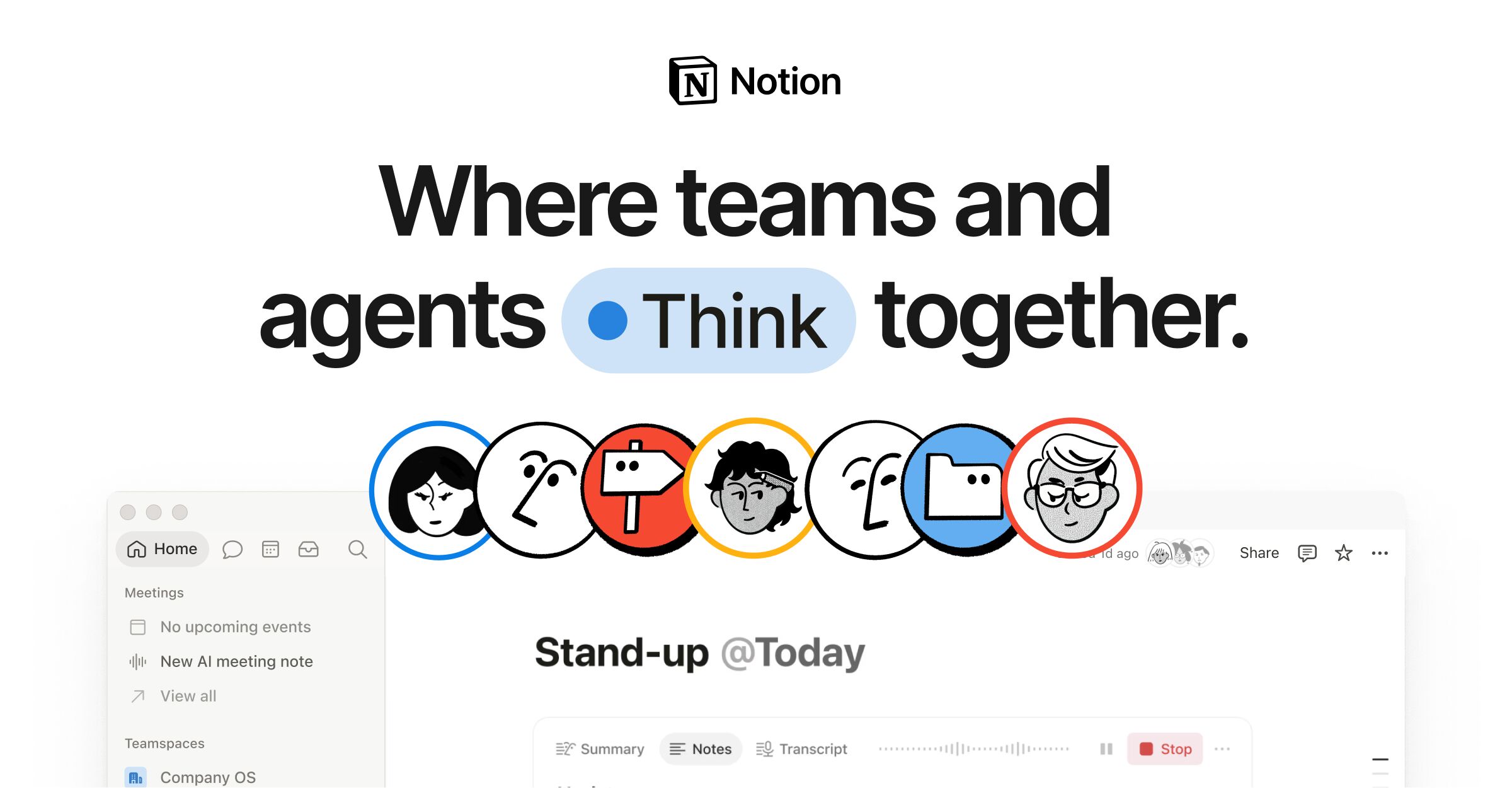
Notion
Cloud workspace of pages and databases for teams, with Markdown import and export.
Proprietary
- Price: Free plan, paid from $10 per member per month
- Platforms: Web, Windows, macOS, iOS, Android
- Storage: Notion cloud, block-based pages (Markdown import and export)
Details come from each vendor's own website and were checked on 2026-11-15. Confirm current prices on the vendor page.