Logseq alternatives
7 apps people use instead of Logseq, compared on price, platforms, license and where your notes end up.
Why look for a Logseq alternative?
- You want a plain document editor instead of an outliner
- You need a more polished mobile experience or paid support
Logseq is a good fit if you think in outlines and daily journals. Its current pricing: free. See the official pricing page ↗.
At a glance
| App | Price | License | Platforms | Notes stored as |
|---|---|---|---|---|
| Logseq | Free | Open source (AGPL-3.0) | Windows, macOS, Linux, iOS, Android | Local Markdown or Org-mode files (outline format) |
| Obsidian | Free for personal use | Proprietary, free for personal use | Windows, macOS, Linux, iOS, Android | Plain Markdown files on your device |
| Notion | Free plan, paid from $10 per member per month | Proprietary SaaS | Web, Windows, macOS, iOS, Android | Notion cloud, block-based pages (Markdown import and export) |
| Joplin | Free app, optional Joplin Cloud | Open source | Windows, macOS, Linux, iOS, Android, Terminal | Local notes in an open format, synced to a service of your choice |
| Typora | $14.99 per license | Proprietary | Windows, macOS, Linux | Markdown files on disk |
| Bear | Free tier, Pro $2.99 per month or $29.99 per year | Proprietary | macOS, iOS, iPadOS | Bear app library, iCloud sync with Bear Pro |
| iA Writer | One-time: $49.99 Mac, $29.99 Windows, $49.99 iPhone and iPad | Proprietary | macOS, Windows, iOS, iPadOS | Plain text files |
| Zettlr | Free | Open source (GPL-3.0) | Windows, macOS, Linux | Markdown files on disk |
The alternatives

Obsidian
Local-first notes in a folder of Markdown files, with optional paid sync and publishing.
- Price: Free for personal use
- Platforms: Windows, macOS, Linux, iOS, Android
- Storage: Plain Markdown files on your device
Strengths: Your notes are ordinary Markdown files in a folder, so any other editor can open them; Large plugin and theme ecosystem; Backlinks and graph view for linked notes.
Limits: The app itself is not open source; Sync and Publish are paid add-ons; No real-time multi-user editing like a shared workspace tool.
Pick it if you want your notes to stay as plain Markdown files you control. Logseq vs Obsidian
Notion
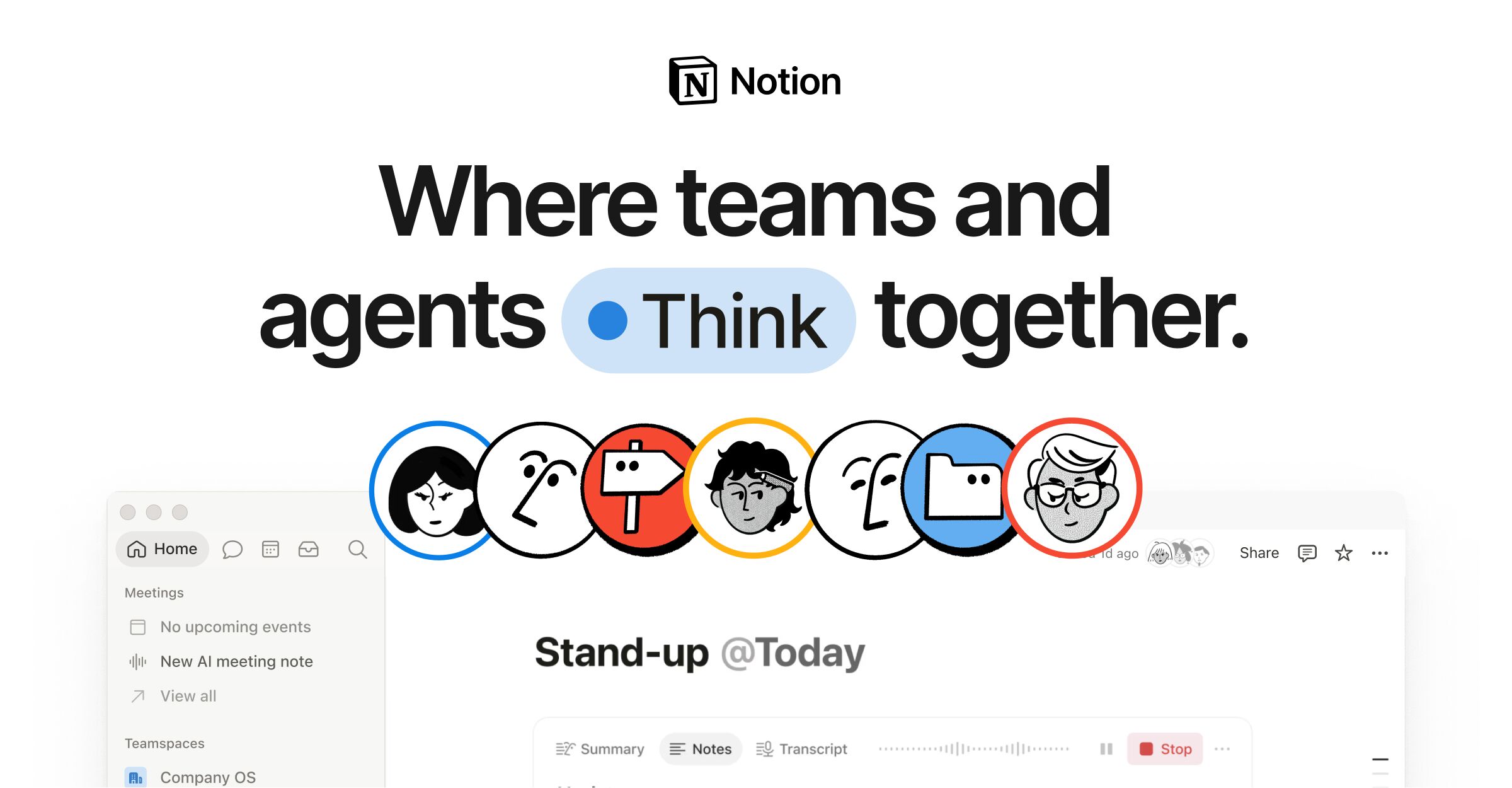
Cloud workspace of pages and databases for teams, with Markdown import and export.
- Price: Free plan, paid from $10 per member per month
- Platforms: Web, Windows, macOS, iOS, Android
- Storage: Notion cloud, block-based pages (Markdown import and export)
Strengths: Databases, tables and project views alongside documents; Built for teams: sharing, comments and guests; Publish a page to the web as a notion.site page.
Limits: Content lives in Notion rather than in files you own; Markdown is an import and export format; Workspaces with 2 or more members on the free plan have a block limit; Per-member pricing adds up for larger teams.
Pick it if you want docs, databases and tasks in one shared workspace. Logseq vs Notion
Joplin
Open source note app with Markdown or rich text editing and end-to-end encrypted sync.
- Price: Free app, optional Joplin Cloud
- Platforms: Windows, macOS, Linux, iOS, Android, Terminal
- Storage: Local notes in an open format, synced to a service of your choice
Strengths: End-to-end encryption; Web clipper for Chrome and Firefox; Plugins and themes, Markdown or Rich Text editor.
Limits: Interface is more utilitarian than Obsidian or Bear; Notes are stored in the app, not as a folder of files you edit elsewhere.
Pick it if you want free, open source notes with encrypted sync. Logseq vs Joplin

Typora
Distraction-free Markdown editor with live inline preview, sold as a one-time license.
- Price: $14.99 per license
- Platforms: Windows, macOS, Linux
- Storage: Markdown files on disk
Strengths: Live preview where you edit rendered text directly; Tables, code fences, MathJax math, Mermaid and other diagrams; Export and import including PDF, docx, LaTeX and Epub.
Limits: Proprietary and paid after the trial; No mobile app; A single-document editor rather than a linked notes system.
Pick it if you want a clean editor for writing and exporting documents.
Bear
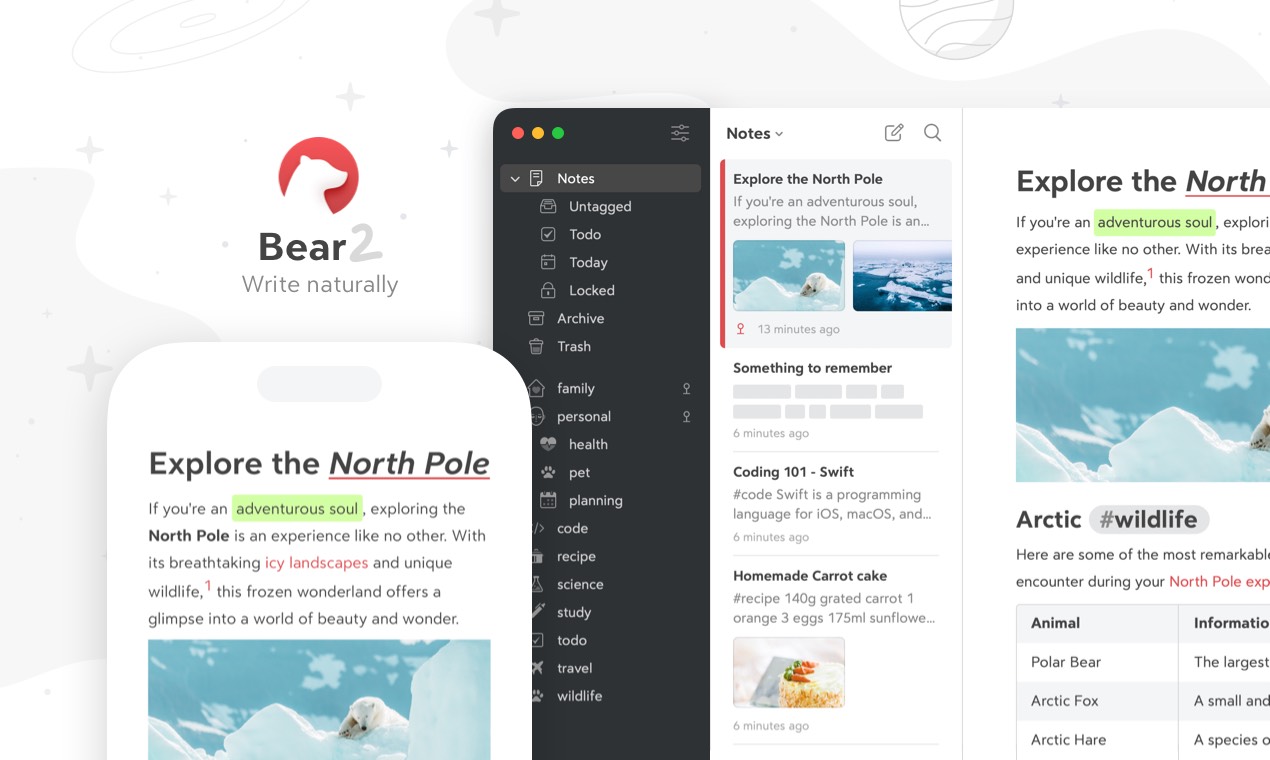
Apple-only notes app with flexible tags and Markdown formatting.
- Price: Free tier, Pro $2.99 per month or $29.99 per year
- Platforms: macOS, iOS, iPadOS
- Storage: Bear app library, iCloud sync with Bear Pro
Strengths: Tags with icons and nested organization instead of folders; Exports to Markdown, PDF, HTML, DOCX, ePub and more; Inline sketching and OCR search in photos and PDFs (Pro).
Limits: Apple devices only; iCloud sync requires Bear Pro.
Pick it if all your devices are Apple devices.
iA Writer
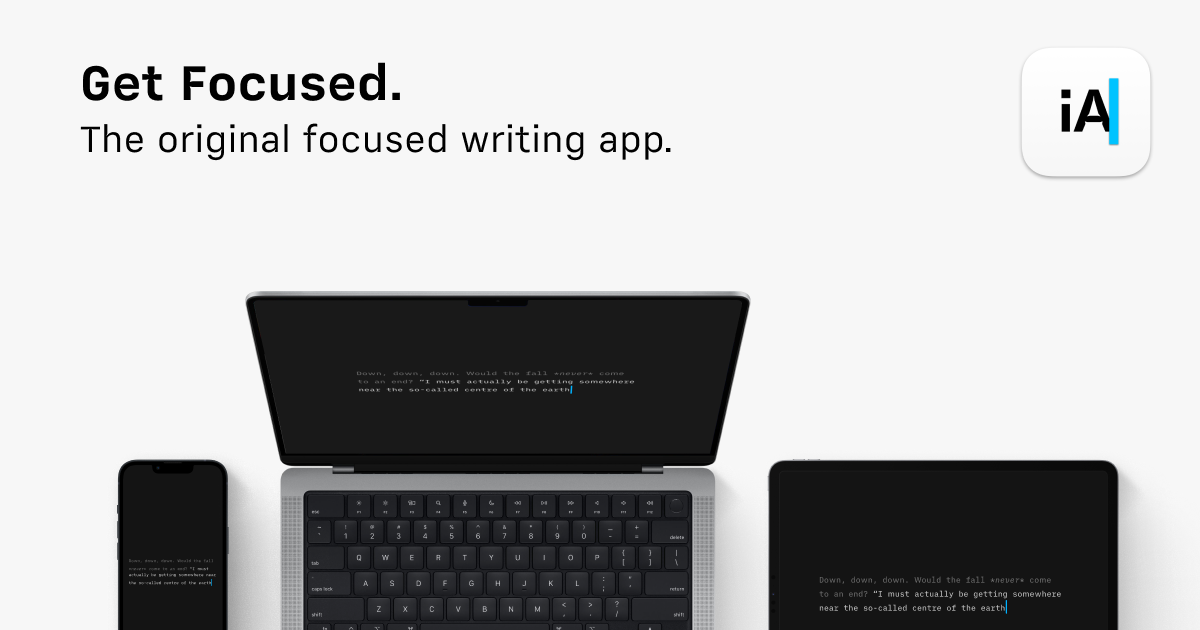
Focused writing app for long-form text, sold per platform with no subscription.
- Price: One-time: $49.99 Mac, $29.99 Windows, $49.99 iPhone and iPad
- Platforms: macOS, Windows, iOS, iPadOS
- Storage: Plain text files
Strengths: Writing-focused interface for long documents; One-time price with no subscription; Apps for Mac, Windows, iPhone and iPad.
Limits: No Linux or Android app; Each platform is purchased separately; Major updates may cost extra.
Pick it if you mostly write long-form text and want few distractions.
Zettlr
Open source Markdown editor aimed at academic writing, citations and note linking.
- Price: Free
- Platforms: Windows, macOS, Linux
- Storage: Markdown files on disk
Strengths: Citation and reference manager support for academic work; Open source with a public codebase; Plain Markdown files in folders.
Limits: Desktop only, no iOS or Android app; Smaller plugin ecosystem than Obsidian.
Pick it if you write papers, theses or articles with citations.
Head-to-head comparisons
Details come from each vendor's own website and were checked on 2026-10-18. Prices and plans change, so confirm on the vendor page before buying.