Apple Notes alternatives
15 apps people use instead of Apple Notes, compared on price, platforms, license and where your notes end up.
Quick picks
- Obsidian: Local-first notes in a folder of Markdown files, with optional paid sync and publishing.
- Notion: Cloud workspace of pages and databases for teams, with Markdown import and export.
- Logseq: Open source outliner for linked notes and daily journals, with local storage.
- Joplin: Open source note app with Markdown or rich text editing and end-to-end encrypted sync.
- Typora: Distraction-free Markdown editor with live inline preview, sold as a one-time license.
- Bear: Apple-only notes app with flexible tags and Markdown formatting.
- iA Writer: Focused writing app for long-form text, sold per platform with no subscription.
- Zettlr: Open source Markdown editor aimed at academic writing, citations and note linking.
The full list with prices and limits is below. Or browse by category: best note taking apps, best free note taking apps, best open source note taking apps, best markdown note taking apps, best note taking apps for mac, best note taking apps for windows, best note taking apps for linux.
Why look for a Apple Notes alternative?
- You need a real app on Windows, Linux or Android
- You want notes stored as plain Markdown files you can sync and version yourself
- You want backlinks, plugins or a team workspace
Apple Notes is a good fit if you use only Apple devices and want something that just works. Its current pricing: free, included with apple devices. See the full Apple Notes pricing breakdown or the official pricing page ↗.
At a glance
| App | Price | License | Platforms | Notes stored as |
|---|---|---|---|---|
| Apple Notes | Free, included with Apple devices | Proprietary, included with Apple devices | macOS, iOS, iPadOS, Web (icloud.com) | iCloud or on-device notes, with Markdown import, export and Copy as Markdown on the Mac |
| Obsidian | Free for personal use | Proprietary, free for personal use | Windows, macOS, Linux, iOS, Android | Plain Markdown files on your device |
| Notion | Free plan, paid from $10 per member per month | Proprietary SaaS | Web, Windows, macOS, iOS, Android | Notion cloud, block-based pages (Markdown import and export) |
| Logseq | Free | Open source (AGPL-3.0) | Windows, macOS, Linux, iOS, Android | Local Markdown or Org-mode files (outline format) |
| Joplin | Free app, optional Joplin Cloud from 2.99 EUR per month | Open source | Windows, macOS, Linux, iOS, Android, Terminal | Local notes in an open format, synced to a service of your choice |
| Typora | $14.99 per license | Proprietary | Windows, macOS, Linux | Markdown files on disk |
| Bear | Free tier, Pro $2.99 per month or $29.99 per year | Proprietary | macOS, iOS, iPadOS | Bear app library, iCloud sync with Bear Pro |
| iA Writer | One-time: $49.99 Mac, $39.99 Windows, $49.99 iPhone and iPad | Proprietary | macOS, Windows, iOS, iPadOS | Plain text files |
| Zettlr | Free | Open source (GPL-3.0) | Windows, macOS, Linux | Markdown files on disk |
| AppFlowy | Free personal plan, Pro from $12 per member per month billed annually | AGPL-3.0 (per the GitHub repository) | Windows, macOS, Linux, iOS, Android, Web | Workspace data in AppFlowy Cloud or on your own self-hosted server |
| Anytype | Free plan, paid from $4 per month billed yearly | Any Source Available License 1.0 (source available, not an OSI open source license) | Windows, macOS, Linux | Offline-first local storage with optional peer-to-peer sync |
| Evernote | Free plan, paid tiers (Starter, Advanced, Flexible, Unlimited) | Proprietary | iOS, Android, Web, Windows, Mac | Evernote cloud with offline notes |
| Microsoft OneNote | Free to use, Microsoft 365 plans from $9.99 per month | Proprietary | Web, iOS, Android, Windows, Mac | Microsoft cloud notebooks, synced across your devices |
| Coda (Superhuman Docs) | Free plan, paid plans from $12 per Doc Maker per month billed annually | Proprietary | Web, Desktop, iOS, Android | Vendor cloud, docs live in your Coda workspace |
| Capacities | Free plan, Pro $9.99 per month | Proprietary | Mac, Windows, Linux, iOS, Android | Synced to the vendor cloud, hosted in EU data centers, with offline support |
| Google Keep | Free with a Google account | Proprietary | Web, Android, iOS | Google account cloud, synced in real time |
The alternatives
Obsidian
Local-first notes in a folder of Markdown files, with optional paid sync and publishing.
- Price: Free for personal use
- Platforms: Windows, macOS, Linux, iOS, Android
- Storage: Plain Markdown files on your device
Strengths: Your notes are ordinary Markdown files in a folder, so any other editor can open them; Large plugin and theme ecosystem; Backlinks and graph view for linked notes.
Limits: The app itself is not open source; Sync and Publish are paid add-ons; No real-time multi-user editing like a shared workspace tool.
Pick it if you want your notes to stay as plain Markdown files you control. Apple Notes vs Obsidian
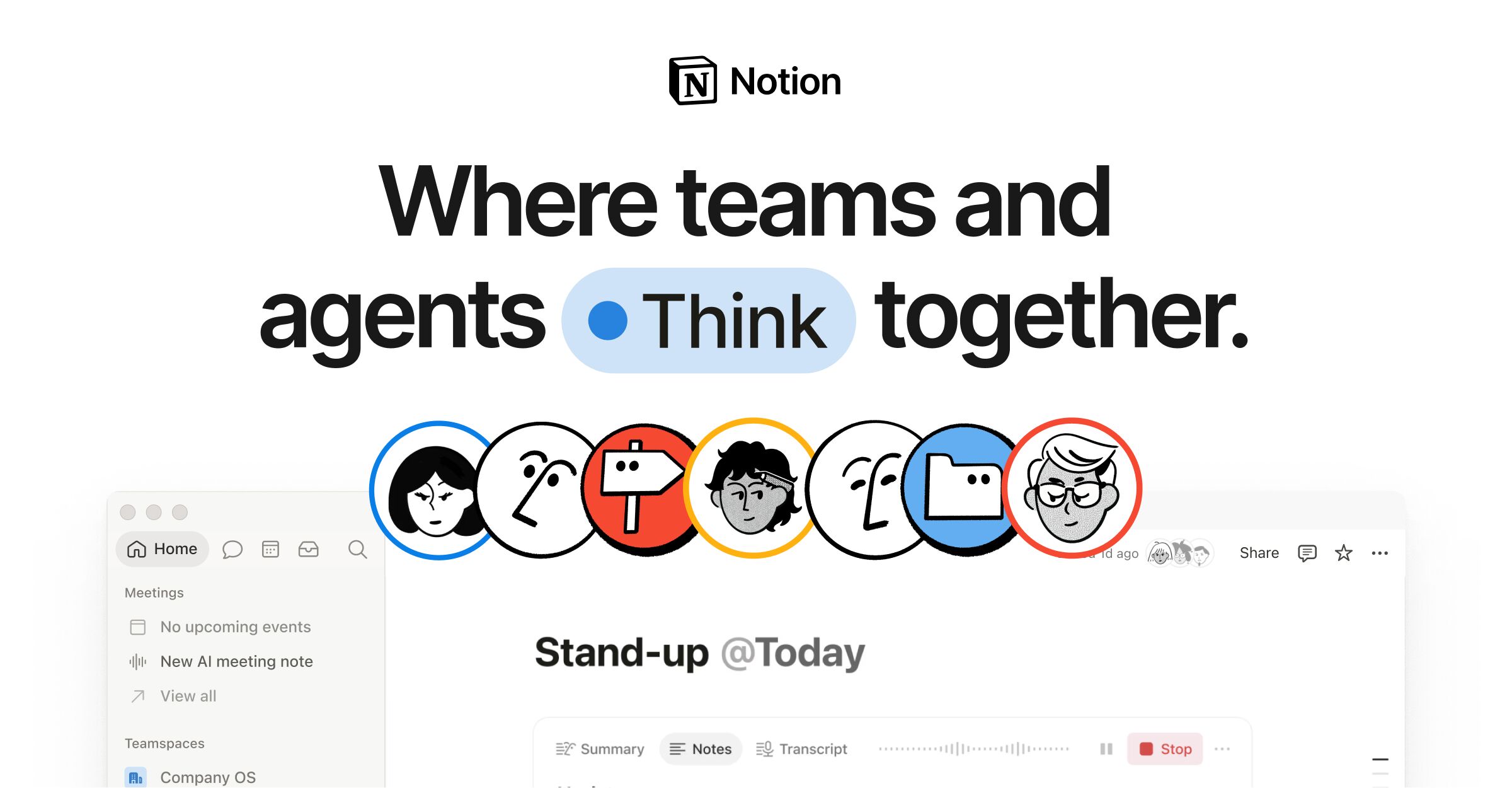
Notion
Cloud workspace of pages and databases for teams, with Markdown import and export.
- Price: Free plan, paid from $10 per member per month
- Platforms: Web, Windows, macOS, iOS, Android
- Storage: Notion cloud, block-based pages (Markdown import and export)
Strengths: Databases, tables and project views alongside documents; Built for teams: sharing, comments and guests; Publish a page to the web as a notion.site page.
Limits: Content lives in Notion rather than in files you own; Markdown is an import and export format; Workspaces with 2 or more members on the free plan have a block limit; Per-member pricing adds up for larger teams.
Pick it if you want docs, databases and tasks in one shared workspace. Apple Notes vs Notion

Logseq
Open source outliner for linked notes and daily journals, with local storage.
- Price: Free
- Platforms: Windows, macOS, Linux, iOS, Android
- Storage: Local Markdown or Org-mode files (outline format)
Strengths: Open source with a public codebase you can read; Outliner first: every bullet can be linked and referenced; Daily journal workflow built in.
Limits: Outline format means exported Markdown is a nested bullet list; Less polished for long-form prose than a document editor.
Pick it if you think in outlines and daily journals.
Joplin
Open source note app with Markdown or rich text editing and end-to-end encrypted sync.
- Price: Free app, optional Joplin Cloud from 2.99 EUR per month
- Platforms: Windows, macOS, Linux, iOS, Android, Terminal
- Storage: Local notes in an open format, synced to a service of your choice
Strengths: End-to-end encryption; Web clipper for Chrome and Firefox; Plugins and themes, Markdown or Rich Text editor.
Limits: Interface is more utilitarian than Obsidian or Bear; Notes are stored in the app, not as a folder of files you edit elsewhere.
Pick it if you want free, open source notes with encrypted sync.

Typora
Distraction-free Markdown editor with live inline preview, sold as a one-time license.
- Price: $14.99 per license
- Platforms: Windows, macOS, Linux
- Storage: Markdown files on disk
Strengths: Live preview where you edit rendered text directly; Tables, code fences, MathJax math, Mermaid and other diagrams; Export and import including PDF, docx, LaTeX and Epub.
Limits: Proprietary and paid after the trial; No mobile app; A single-document editor rather than a linked notes system.
Pick it if you want a clean editor for writing and exporting documents.
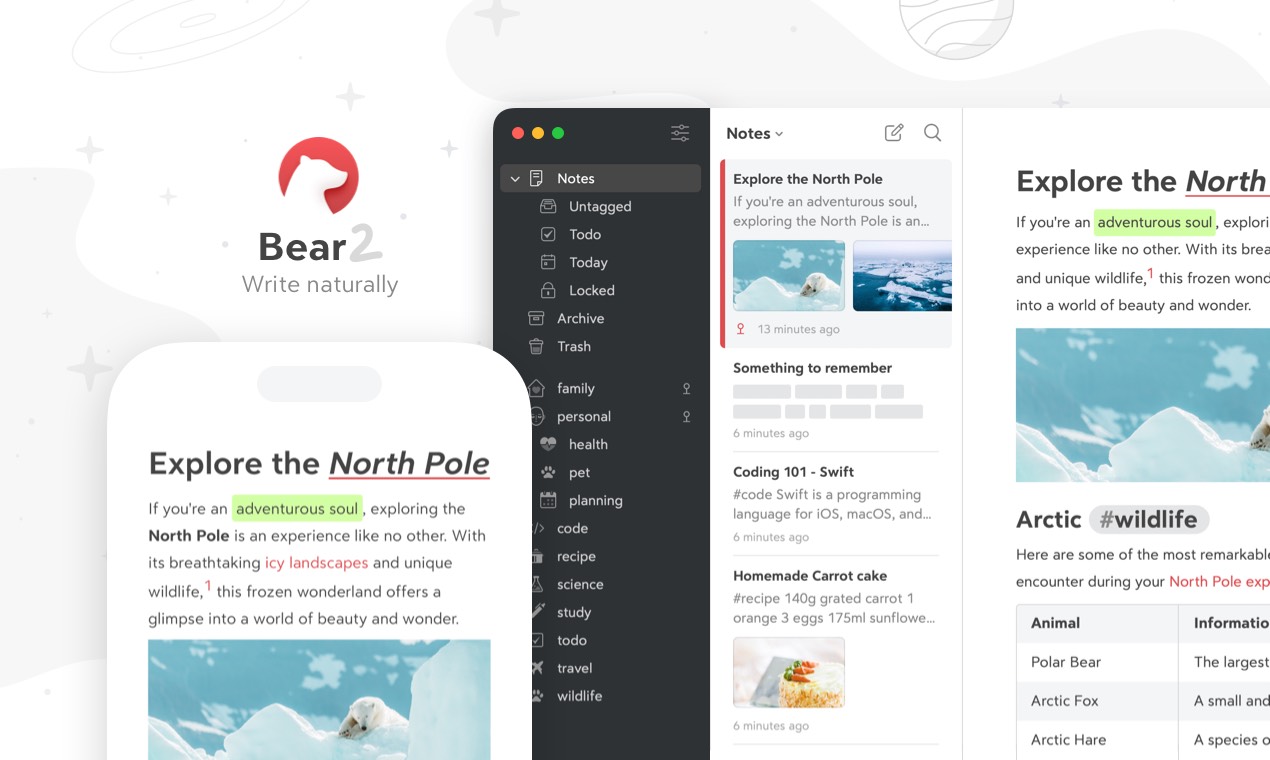
Bear
Apple-only notes app with flexible tags and Markdown formatting.
- Price: Free tier, Pro $2.99 per month or $29.99 per year
- Platforms: macOS, iOS, iPadOS
- Storage: Bear app library, iCloud sync with Bear Pro
Strengths: Tags with icons and nested organization instead of folders; Exports to Markdown, PDF, HTML, DOCX, ePub and more; Inline sketching and OCR search in photos and PDFs (Pro).
Limits: Apple devices only; iCloud sync requires Bear Pro.
Pick it if all your devices are Apple devices.
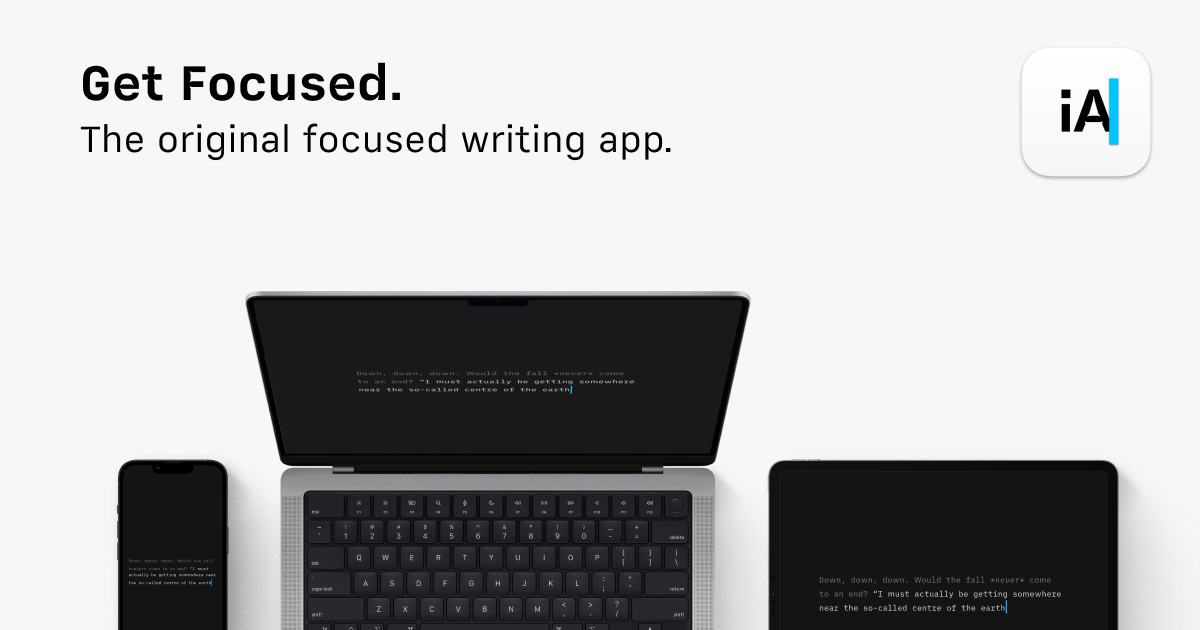
iA Writer
Focused writing app for long-form text, sold per platform with no subscription.
- Price: One-time: $49.99 Mac, $39.99 Windows, $49.99 iPhone and iPad
- Platforms: macOS, Windows, iOS, iPadOS
- Storage: Plain text files
Strengths: Writing-focused interface for long documents; One-time price with no subscription; Apps for Mac, Windows, iPhone and iPad.
Limits: No Linux or Android app; Each platform is purchased separately; Major updates may cost extra.
Pick it if you mostly write long-form text and want few distractions.
Zettlr
Open source Markdown editor aimed at academic writing, citations and note linking.
- Price: Free
- Platforms: Windows, macOS, Linux
- Storage: Markdown files on disk
Strengths: Citation and reference manager support for academic work; Open source with a public codebase; Plain Markdown files in folders.
Limits: Desktop only, no iOS or Android app; Smaller plugin ecosystem than Obsidian.
Pick it if you write papers, theses or articles with citations.
AppFlowy
Self-hostable AI workspace for projects, wikis and teams, positioned as a Notion alternative.
- Price: Free personal plan, Pro from $12 per member per month billed annually
- Platforms: Windows, macOS, Linux, iOS, Android, Web
- Storage: Workspace data in AppFlowy Cloud or on your own self-hosted server
Strengths: Self-hosting is documented, including in your own cloud; Notion-style pages, databases and boards in one workspace; Apps for desktop, iOS, Android and the browser.
Limits: The vendor pages do not describe Markdown import or export, so check before relying on it for plain-file workflows; Free plan is small: 100 MB storage and 1 form and 1 chart; Notes live in a workspace, not as a folder of Markdown files.
Pick it if you want a Notion-style workspace you can host yourself.
Anytype
Local-first, peer-to-peer and end-to-end encrypted knowledge workspace.
- Price: Free plan, paid from $4 per month billed yearly
- Platforms: Windows, macOS, Linux
- Storage: Offline-first local storage with optional peer-to-peer sync
Strengths: Local-first with zero-knowledge encryption (per the client README); Objects and relations instead of a single page tree; Desktop builds for all three major systems.
Limits: The client README lists macOS, Windows and Linux; check the vendor site for mobile availability; The license restricts reuse, so it is not open source in the usual sense; The repository does not mention Markdown export, so verify export before migrating.
Pick it if privacy and offline use matter more than real-time team editing.
Evernote
Long-running note app with tasks, calendar and AI features, on tiered plans.
- Price: Free plan, paid tiers (Starter, Advanced, Flexible, Unlimited)
- Platforms: iOS, Android, Web, Windows, Mac
- Storage: Evernote cloud with offline notes
Strengths: Tasks, calendar and external calendar connections in the same app; Web clipping and email-in for collecting material; Apps for every major platform.
Limits: The free plan caps you at 50 notes and one synced device; Proprietary and cloud based, with no plain Markdown file storage; Not built around Markdown, so formatting comes from its own editor.
Pick it if you want one app for notes, tasks and calendar. Apple Notes vs Evernote
Microsoft OneNote
Microsoft's digital notebook, free to use and bundled with Microsoft 365 subscriptions.
- Price: Free to use, Microsoft 365 plans from $9.99 per month
- Platforms: Web, iOS, Android, Windows, Mac
- Storage: Microsoft cloud notebooks, synced across your devices
Strengths: Sketch, annotate and highlight freely, which suits handwriting and pen input; Share and collaborate on notebooks; Voice transcription, and Copilot to draft plans and organize notes on paid plans.
Limits: Proprietary and tied to a Microsoft account; Microsoft does not describe Markdown or plain file storage for OneNote, so moving notes to other tools usually means exporting; Copilot features need a paid Microsoft 365 plan.
Pick it if you already use Microsoft 365 and want notes next to Word and Outlook. Apple Notes vs Microsoft OneNote
Coda (Superhuman Docs)
Collaborative docs with connected tables, formulas and automations. Coda has been renamed Superhuman Docs.
- Price: Free plan, paid plans from $12 per Doc Maker per month billed annually
- Platforms: Web, Desktop, iOS, Android
- Storage: Vendor cloud, docs live in your Coda workspace
Strengths: Docs and tables in one place, with formulas, buttons and automations; Docs AI assistant that can build pages, trackers and views (beta on the plans page); Integrations with other tools, with more connectors on higher plans.
Limits: Proprietary and cloud only, notes are not plain Markdown files; Superhuman does not describe Markdown export on its plans page; Free plan limits shared docs, automations and version history.
Pick it if you build team trackers, wikis and lightweight apps inside documents.
Capacities
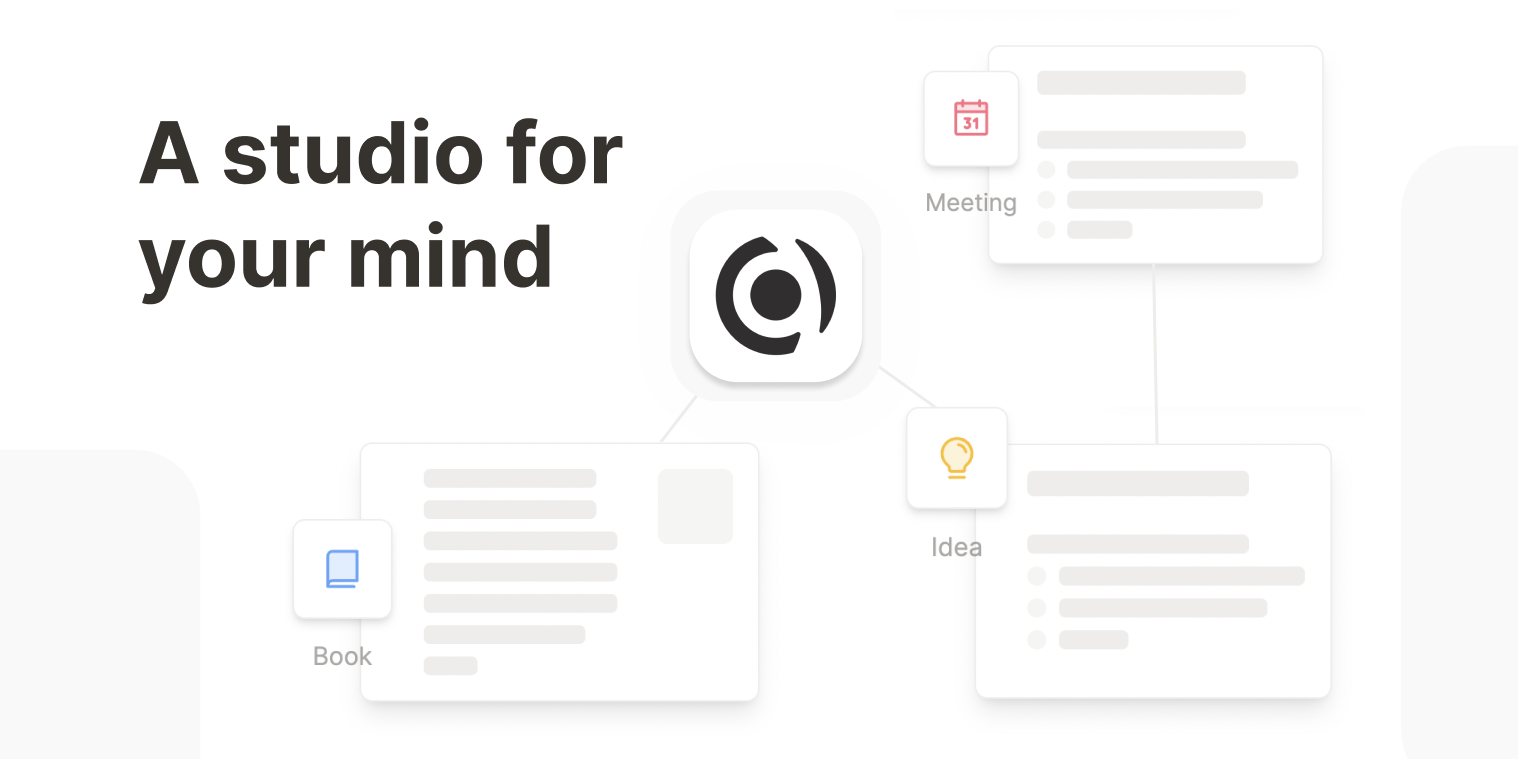
A note app that organizes ideas as connected objects with types, rather than files and folders.
- Price: Free plan, Pro $9.99 per month
- Platforms: Mac, Windows, Linux, iOS, Android
- Storage: Synced to the vendor cloud, hosted in EU data centers, with offline support
Strengths: Object types and links let you model people, books, meetings and projects as structured notes; Free plan keeps sync, offline use and export; Apps for desktop and mobile, including Linux.
Limits: Proprietary and stored in the vendor cloud, not as a folder of Markdown files; AI, tasks, smart queries and the API need a paid plan; Capacities describes export as standard formats without naming Markdown on its pricing page.
Pick it if you think in people, topics and projects and want typed, linked objects.

Google Keep
Google's free sticky-note style app for quick notes, lists, photos and reminders.
- Price: Free with a Google account
- Platforms: Web, Android, iOS
- Storage: Google account cloud, synced in real time
Strengths: Notes, lists, photos, drawings and audio, with reminders; Real-time sync across phone, computer and watch, and real-time shared editing; Export a note to Google Docs to turn it into a full document.
Limits: On a computer Keep runs in the browser; Google says offline access is only in the mobile apps; Google does not describe Markdown support on the Keep pages, and notes are not stored as files; Built for short notes and lists, with no nested notebooks or linked notes.
Pick it if you want fast capture of lists and reminders on your phone. Apple Notes vs Google Keep
Head-to-head comparisons
Details come from each vendor's own website and were checked on 2026-11-15. Prices and plans change, so confirm on the vendor page before buying.